You can
just build
things.
Notes from learning
to make things with AI
I’m Alex.
I'm not a technical person, nor do I have a coding background, but I tend to hyperfocus on things for long periods when something piques my interest.
Vibe coding has done that. It's become a hobby I can happily sink twelve hours a day into and wonder where the time went. Over the past ten-ish months, I've had a lot of fun working out how all the backend pieces fit together, and how I can connect various things to make something new.
I'm more of a 'connect disparate things' creative than traditional art-and-copy, so vibe coding speaks to me. It's been fun working things out, and I imagine that moment when a complex build 'clicks' and everything works is how having a child feels, but without the mess and marginally more wine.
 give it a little nudge ↘
nibl.
nibl is a social food discovery platform (yes, I am aware it’s a meme in startups) built around reviewing dishes, rather than venues.
I’d explored the idea as a startup years earlier and been quoted roughly $20k-$40k to build it. When I started using Lovable, I needed something to build so I could learn by making it and figuring things out as I went. I already had a rough idea of how nibl should work, which made it a useful place to start.

EasierCite.
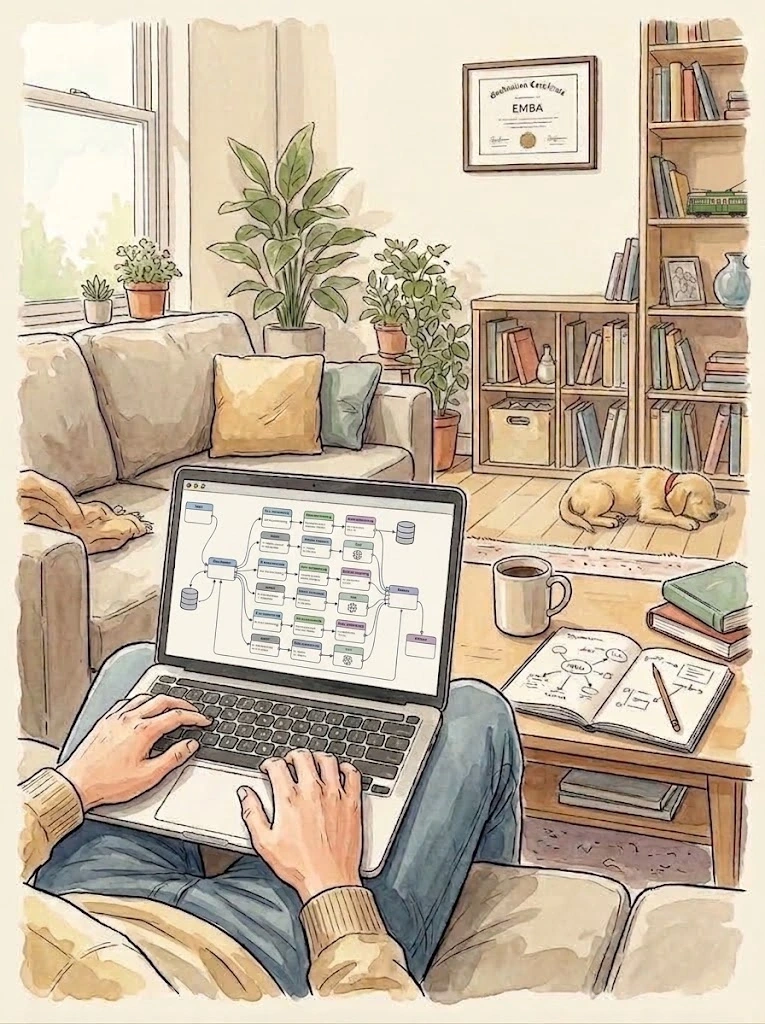
I built EasierCite to check the citations and references in my assignments. I made a reusable Claude Cowork skill using RMIT’s Harvard referencing guide, then tested and refined it.
After that, I used Claude Code to integrate the Cowork skill into a standalone website where I could upload a Word document and run the checks through Gemini. It was my first time connecting an AI model through an API. I kept the website private and continued using the Cowork skill.
mingl.
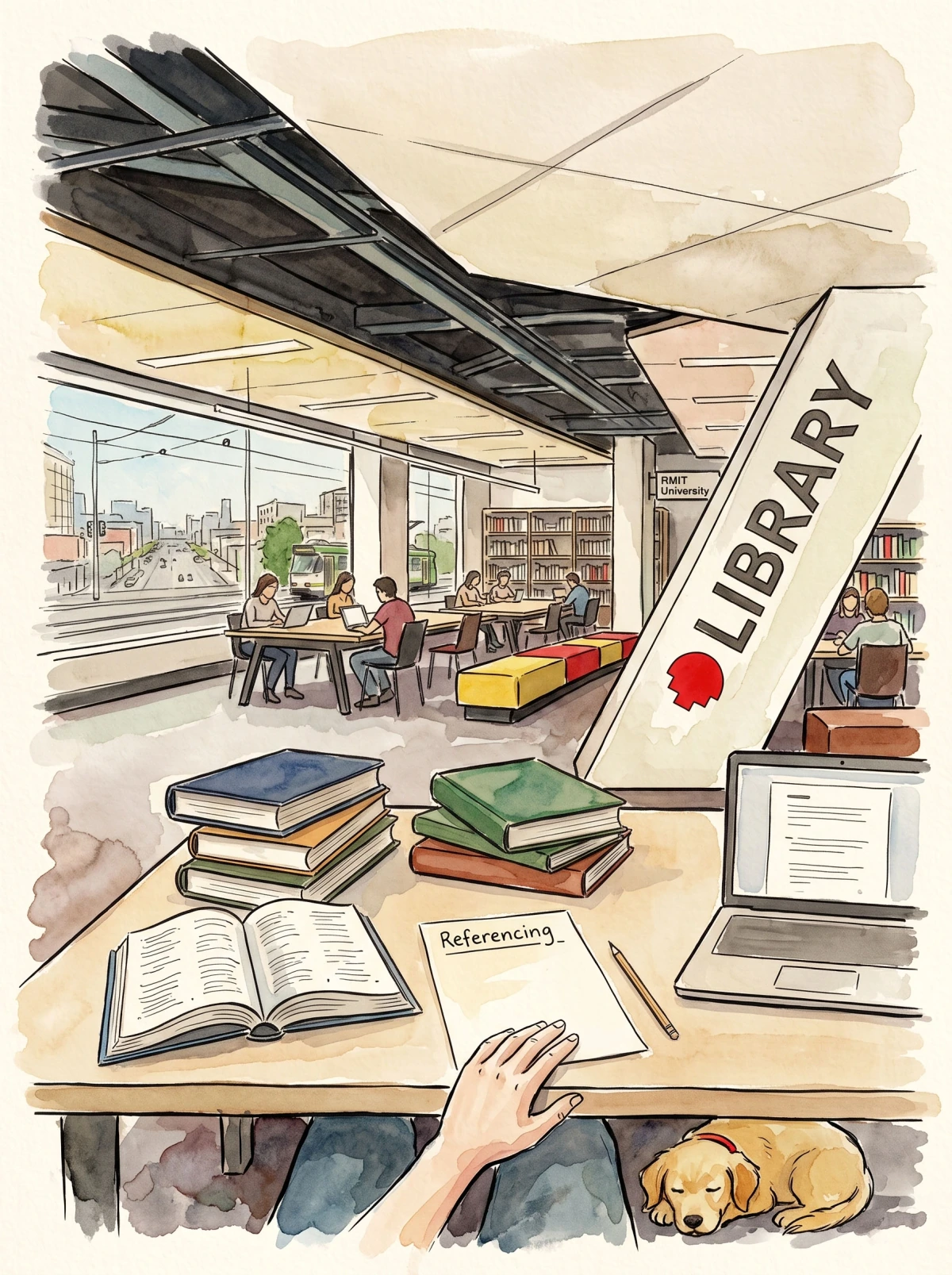
I built mingl to help introverted people like me get more out of networking events. It matches attendees with people who share common interests and suggests conversation starters to give them a little nudge.
Hosts can ask attendees a question and use their answers to shape the matches, including pairings such as a copywriter and an art director, or a founder and an investor. No registration required.
World Cup 26.
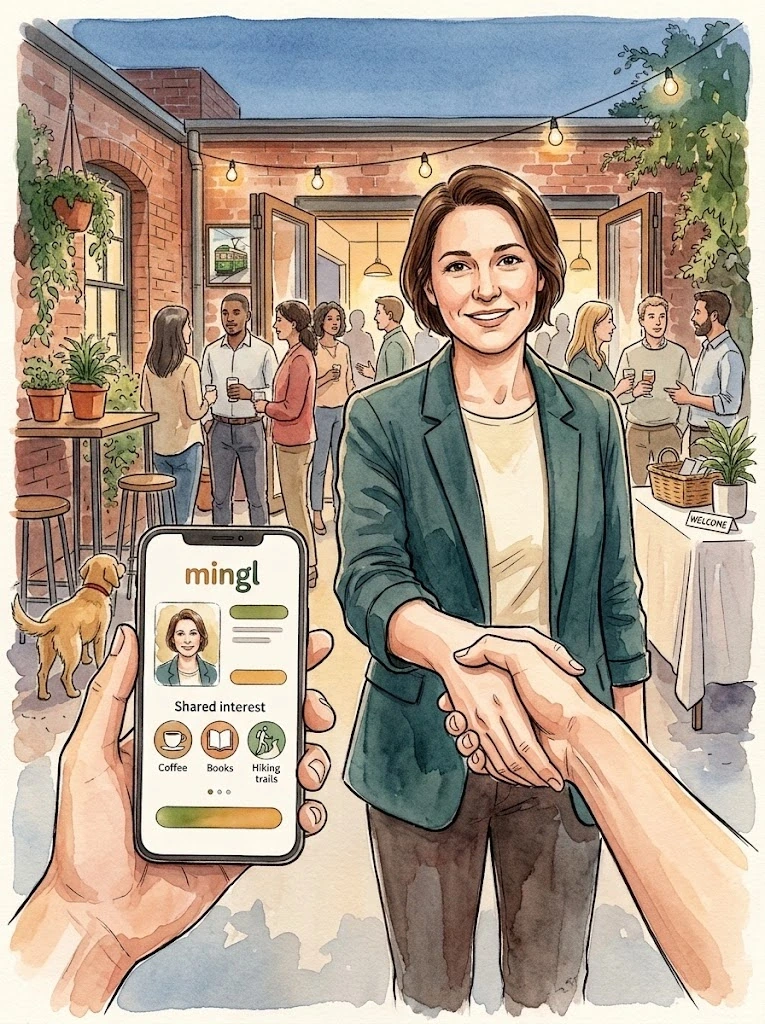
I built a World Cup tracker because Livescore started pushing annoying full page adverts. So I built my own Livescore, with blackjack, and... Nevermind.
I wanted scores, match statistics, tables and videos together, with easy access to the goals and highlights. Friends used it too and suggested features, including tracking watched goals and hiding results. I built it while I was still working on mingl.

Brilliance
of Deck.
Brilliance of Deck recreates an earlier version of Deck of Brilliance, with 52 approaches to a creative brief and advertising examples for each one. I’d recommended the original to a friend, who told me it had changed and become paywalled.
So, I used the Wayback Machine to recover the earlier site, then coordinated 52 agents to find replacements for its broken videos. I built it as an homage to a much loved creative advertising resource.

AI thoughts.
I spoke with 477 RMIT students about AI for an MBA assignment and was surprised by how positive many of them were. I wrote my first thought piece about those conversations, then used the article to explore website analytics and add an audio version people could listen to on their phones.

RMIT EI.![Enrolment Intelligence logo]()

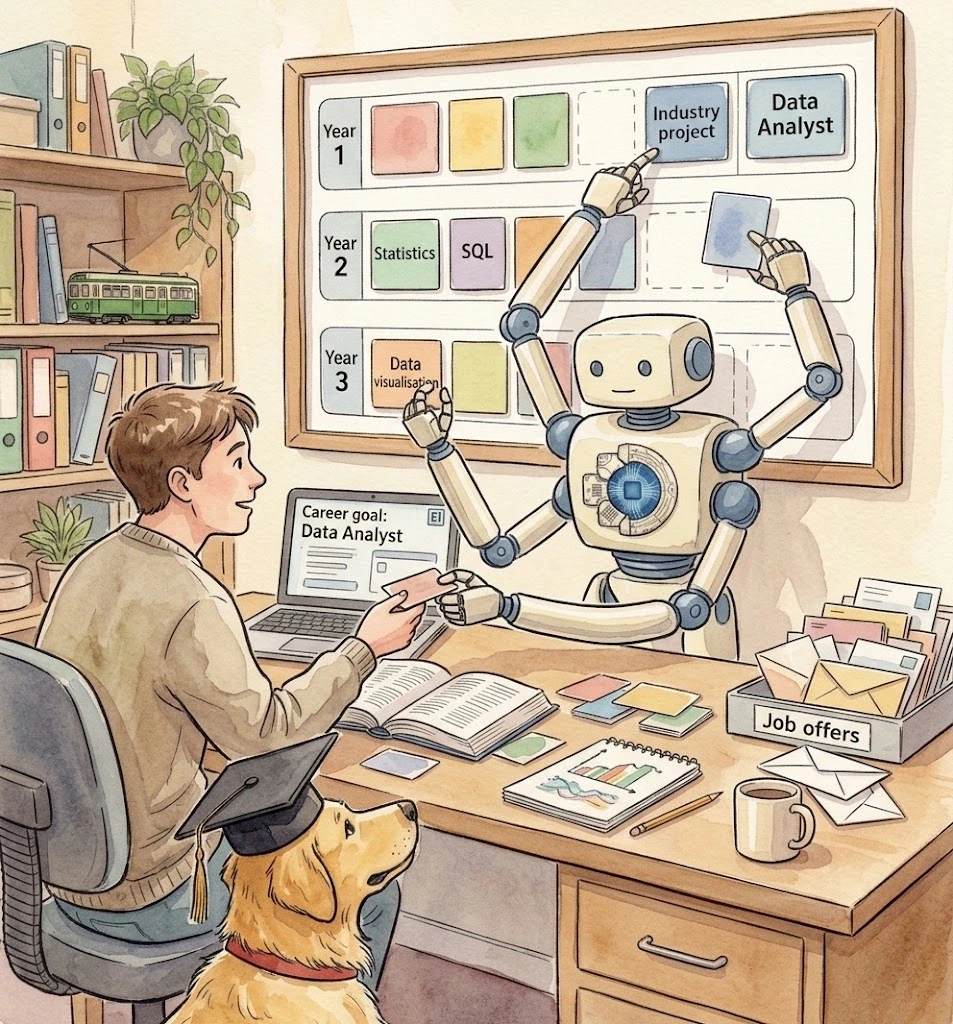
I’m currently building RMIT Enrolment Intelligence to help students choose subjects based on the career they want to pursue. They can explore careers through chat or browse a directory bringing together occupation and graduate data scraped from JSA, QILT and Seek, alongside Census data.
EI then recommends their ideal program structure, including specialisations, majors, minors and university electives, all within the program’s rules. It’s by far my most complex project and is still in early alpha.
This website.
I’m building this website with Codex and GPT to tell the story of what I’ve made and learnt with AI. I’m exploring UI design through an illustrated book, with pages you can turn and optional details beneath each chapter.
It’s still taking shape. I’ll add more about the build as we develop it.

the vibes
are
immaculate
already planning the next thing
← turn backBuilding it
Reviews could create venue pages automatically, using information from Google and the venue’s website. Later reviews added to the same listing. People could search by price and distance, and save favourites.
That meant connecting services for sign in, venue information, storage and email, and learning how they worked together.
Google Maps venue images showed me how quickly running costs could add up. I looked at what each request cost and how often information needed updating.
Testing it
Older testers preferred email registration, while younger testers usually chose Google sign in. The consistency across age groups surprised me. I found what people did and didn’t trust really interesting.
Opening the review window could freeze the site. It took days to work out why, and I learnt to use browser developer tools in the process.
ChatGPT helped trace a navigation loop flooding the browser with requests. We changed how the review window handled browser history.
I built nibl in Lovable, and most of the tools below were new to me. I was learning what each one did and how to connect them.
What I used
- Lovable
- Building and changing the app. Being able to export the code was part of why I chose it.
- Supabase
- The app’s backend services and data.
- Google sign in
- An alternative to email registration.
- Google Maps & Places
- Venue search, address autofill, place information and venue images.
- Firecrawl
- Scraping venue websites for useful information and social links.
- Resend
- Email delivery for the app.
- GitHub
- Keeping the code in version control.
I also used Cloudflare as part of the setup.
Creating venue pages from reviews
A review of food from a new venue could create its page automatically. Google Maps and Places supplied venue information, and Firecrawl collected details from the venue’s website, including social links. Later reviews added to that same venue listing.
API requests and running costs
Fetching venue images from Google Maps showed me how quickly API costs could add up. I checked the cost per request and how often information needed refreshing. For venue scraping, I explored scheduled updates based on user activity, so unused venue pages wouldn’t keep generating requests.
Investigating the navigation loop
Opening the review window could flood the analytics endpoint with requests until the browser couldn’t cope. Image uploads and posting reviews then failed too. I used DevTools to check the console and network requests, then gave ChatGPT the component code to help find the problem.
The back button handler could trigger another navigation, and a React effect kept adding browser history entries as the form changed. We used a ref to stop repeated history updates and stopped the popstate handler from triggering more navigation. Blocking analytics requests had made the app usable while I investigated, but the loop was still there.
Referencing rules
Claude Cowork kept getting parts of RMIT Harvard referencing wrong in my assignments. I used Obsidian to convert the RMIT EasyCite guide to Markdown, then kept testing and adjusting the skill. I first focused on italics and commas, then added checks across the whole document and a way to find replacement sources when needed.
Checking citations
Editing an assignment sometimes left me with a citation whose reference I’d deleted, or a reference I no longer cited. The skill checked for both, along with the formatting. It also looked at linked sources to see whether they supported what I’d written.
Using the results
The website grouped its results into citation problems, missing citation and reference pairs, and a formatted reference list. It showed the surrounding paragraph to help me find problems in the document. There were prompts I could copy into ChatGPT for help with corrections, and a copy button for taking the cleaned reference list back into Word.
Accuracy and cost
I chose Gemini for its low API cost, but the cheaper models weren’t accurate enough for the reference checks I needed. More expensive models performed much better. My Cowork skill already handled the job, so I kept using it. I left the website private because running it added API costs that I’d have to cover for anyone using it.
I used Claude Code to integrate the Cowork skill into a standalone website. It read uploaded Word documents and combined fixed checks with Gemini to check citations and references. Some corrections could be applied automatically. Others needed me to review them.
Document parsing
The app used Mammoth to read Word documents while preserving italic formatting. String and regex checks ran alongside Gemini checks on the references. When a citation had no matching reference, the results included its surrounding paragraph so I could find it in the assignment.
Correction safeguards
Gemini sometimes changed reference content while correcting it, including shortening organisation names and expanding others. I limited automatic corrections to the fixed rules and made Gemini’s suggestions something I had to review myself. After seeing invented details and references getting cut short, I also added a check that rejected any correction removing more than half the original reference.
Word formatting
RMIT Harvard references use italics, so the app needed to preserve them when reading and correcting the document. Changes to the text also meant adjusting where the italic formatting applied. The copy button supplied both formatted HTML and plain text so I could paste the reference list back into Word.
Saved results
Audit results were stored in Redis for 24 hours and opened through a link containing the audit ID. Results grouped missing citation pairs, corrections needing attention and the cleaned reference list. The results also included prompts I could copy into ChatGPT for help fixing the remaining problems.
Joining an event
You scan a QR code, add your details and can see your matches and message people at the event. I wanted people to be able to take part without creating an account. Leaving an email address is optional and lets you receive your matches the next morning. It doesn’t create an account or sign you up for marketing.
Host questions
Hosts can ask attendees a question and use their answers to guide the matches. That can mean connecting people with shared interests or complementary roles, such as a copywriter and an art director, or a founder and an investor.
Finding people
mingl combines what people enter with information it finds online using their LinkedIn profile. AI compares each person with everyone else at the event and suggests people to meet, with three conversation starters for each match. Matches update as more people join, so someone who arrives early can still find people who turn up later.
Following up
When I asked people about networking events, I kept hearing that they forgot to follow up, forgot someone’s name or couldn’t find them afterwards. That led me to add an email the next morning with a link back to their matches. People can return and claim their event profile for up to a week. An account lets them keep friends and connections.
Building mingl
I first built mingl in Lovable. As I added more features, Lovable got expensive enough that I moved to Claude Code and rebuilt it. I worked on it for months, alongside World Cup 26 and Brilliance of Deck. I also used Claude with Nano Banana to make themed interface assets, including the clay buttons I was very excited about at the time. Until the later RMIT project, it was the most complex thing I’d built.
Visit mingl ↗I added profile enrichment, AI matching, event messaging and referrals. I was studying machine learning at the time, which gave me a few matching approaches to try. People who’d attended the same event could connect directly. Outside those events, connections needed a referral, with a record of who’d referred whom.
How matching works
A web search using each attendee’s LinkedIn profile adds more information to their event profile. AI summarises it and scores each person against everyone else, with different weights for each matching criterion. Those scores create a shortlist, then another AI step writes three conversation starters for each match. It runs again as more people join.
Testing embeddings
I tried using embeddings to shortlist attendees before an LLM wrote their match cards. The results seemed too focused on similar wording. A business student and a law student ranked ahead of a pairing between someone building AI tools and someone applying robotics to supply chains. That didn’t seem particularly useful for networking, so I dropped embeddings and went back to Postgres with LLM matching.
Choosing models
I tested models and thinking levels across Claude, ChatGPT, Grok and Gemini using simulated events. When I changed a prompt, I wrote down what I expected it to improve, how I’d check that and when I’d undo the change. Cheaper models handled enrichment and scoring, while a more capable model wrote conversation starters. Gemini gave me the best balance of cost and output.
Guest access
Attendees could use links containing access tokens to edit their profile and view matches without creating an account. Edit tokens were stored as hashes, expired after seven days and rotated when used. Database access rules controlled what guests could do. The morning email linked back to their matches, with a week to claim their event profile.
Visit mingl ↗Following the games
The tracker covered all 104 fixtures, with live scores, group tables and tournament leaders. Each game had its own page with lineups, match events and statistics. I could follow teams through the knockout bracket and open any game to check what happened or find its highlights.
Streams and clips
Before each game, the tracker looked for the SBS livestream link so I could open the broadcast on SBS. During games, it found goal clips and added them to the match page within minutes. Afterwards, it looked for short and long highlights. Videos played inside the tracker where possible, with the other links on the same match page.
Tracking goals
A friend suggested tracking whether I’d seen every goal of the World Cup. I added a counter for watched goals that showed my progress as a percentage. A short code let me carry it between devices without creating an account. I could see which goals I still hadn’t watched and catch up on games I’d missed.
Hiding results
Another friend wanted to watch highlights without seeing the result first. I added an option to hide scores until they were ready to reveal them. I also had to make sure the result wouldn’t briefly flash on screen when the page loaded, which would’ve defeated the whole point.
Visit World Cup 26 ↗I connected ESPN match data with automated searches for livestreams, highlights and goal clips. Scores refreshed every four seconds during games. Statistics and tables had separate update schedules, stopping around 30 minutes after the day’s last game and restarting at the next kickoff.
Match data
ESPN’s tournament leaders endpoint returned no useful data, so I calculated the leaders from the available statistics. The standings feed was slow to update too, so I calculated group tables from completed results, including the tiebreakers for teams on equal points. For the knockout bracket, I mapped which fixtures fed into each round and added a warning if the advancing teams didn’t match the earlier winners.
Finding video
SBS loaded its page content in the browser, so I used its catalogue API to find livestream links. Checks ran when people visited the tracker, with limits on repeated requests, and through a GitHub Actions job every 15 minutes. SBS broadcasts opened on its website. Supported clips and highlights played inside the tracker.
Updating clips
New goal clips stopped appearing because a cached feed kept returning an earlier snapshot of the match. I changed that request to bypass the cache so new clips could come through during games. I also tightened YouTube title matching after videos covering several fixtures were being attached to the wrong match.
Saving preferences
Watched goals synced between devices using a short code. Merging saved lists could mark a goal as watched again after someone had just unmarked it, so I had to track removals too. I also stopped late responses from overwriting newer changes. The saved preference for hiding scores was read before the page appeared, preventing a returning visitor from briefly seeing the result.
Visit World Cup 26 ↗Recovering the site
Archived pages gave me the card descriptions, images and advertising examples to rebuild from. Each card explained a different approach to a creative brief, illustrated with ads from around the world. I could recover the pages, but many of the videos they linked to were no longer available.
52 agents
I gave each agent one card, its explanation and the titles of its missing ads. They searched for replacement videos and checked them against the ad’s title and the approach on the card. Each suggestion came back with a link and a confidence score. It was my first time using that many agents to research something online.
Reviewing the finds
I put the suggestions on a page where I could approve or reject them. I could open each video, check it and decide whether it belonged on the card. Almost all were right on the first attempt. A few needed manual searching, and I remember only one or two I couldn’t recover, including one where language was a barrier.
Original creators
Deck of Brilliance was created by Juggi Ramakrishnan and Todd McCracken. Their cards and advertising examples are the reason I wanted to recover it. I rebuilt the site, found replacement videos and changed the name and logo to Brilliance of Deck, with credit to the original creators. If they have an issue with it, I’ll take it down.
Visit Brilliance of Deck ↗I converted archived WordPress content into a static Next.js site, with a separate agent task for each card’s missing videos. I reviewed replacements before adding them to the site and set up a monthly check to flag links that stopped working.
Recovering the content
I used Wayback snapshots from April 2025 to recover the WordPress content and card images. The HTML was parsed into JSON containing 52 cards, their descriptions, subgroups and 871 YouTube examples. Introductory content went into a separate file. Next.js generated the pages from those files, with templates and CSS recreating the earlier design.
Agent workflow
Each of the 52 agents got one card’s text and the titles of its missing ads. They returned video URLs and confidence scores for the matches. I checked them on a review page, and only the ones I approved went into the embedded video galleries.
Link monitoring
A monthly scan checked each unique YouTube ID through the public oEmbed endpoint, with 12 workers running checks at once. Requests that hit rate limits were retried after a short delay, and Resend emailed the report. That could tell me whether a video was still available. I still had to watch any replacement to check it was the right ad.
Serving the pages
I used Next.js, TypeScript and plain CSS, generating the index and card pages as static HTML from JSON. The galleries used YouTube thumbnails and embedded players. I also connected the shared analytics used across my sites, with reporting in my main website’s dashboard.
Visit Brilliance of Deck ↗Collecting responses
I made a simple Claude artifact to log people’s answers: three questions, each with three answer options. I could pass my phone around a group and let people enter their scores without showing their answers to friends. It made collecting the responses much easier.
Student views
From what I’d seen in the news and on social media, I’d expected people to be much more hostile towards AI. But many of the students I spoke to wanted to learn how to use it and thought it could help their careers. That gap between what I was reading and what people were telling me was what I wanted to write about.
Reading patterns
I’d used website analytics before, but wanted to understand what I could measure myself. I added tracking for where readers came from, clicks, copied passages, scrolling and active time on the page. Listening had its own measurements too. I wanted to understand which of those measurements would actually be useful when building other websites.
Listening along
I added an audio version so people could listen, read or do both. They could change the speed, move around the recording and keep listening with their phone locked. Playback controls on the lock screen meant they didn’t need to keep opening the page.
Fixing the voice
The generated voice got noticeably worse as the recording went on. Even two paragraphs could be enough, and the fresh voice in the next clip made the change painfully obvious. I generated each paragraph separately and stitched the clips together, adjusting the volume, trimming silence and leaving pauses so they sounded like one recording.
Read the thought pieces ↗I built custom analytics for visits, reading activity, copied text and audio playback, with a private dashboard for the results. I used Google’s text to speech to generate short clips, then joined them into one recording. People could listen in the browser or control playback from their lock screen.
Tracking events
Event handlers recorded clicks, copying, text highlights, scroll milestones and audio activity. Copy events included the selection length, section and up to 160 characters of the passage. Highlight events recorded the length and section without the selected text. Events were batched and sent with the same visitor and session IDs as the page visit.
Reading and listening
The reading timer only ran while the page was visible and focused. It paused when someone switched away. I also recorded the furthest scroll position and deepest section reached. Audio events tracked playback, pauses, progress and completion, including background listening. The Media Session API provided controls on the lock screen, and playback speed changes preserved the voice’s pitch.
Audio generation
I generated clips for individual paragraphs, splitting longer paragraphs at sentence boundaries. Each clip was trimmed and adjusted to a consistent volume, then joined with short fades and pauses. The finished recording was encoded as one MP3 for the article’s player.
Dashboard and email
The analytics were stored in Postgres and displayed in a dashboard covering traffic sources, reading, link clicks and audio activity. I also added signup for future articles and used Resend to email readers a copy of the article. They could unsubscribe whenever they wanted. Thank you to everyone who signed up :D
Read the thought pieces ↗The name
I originally called it Elective Intelligence because I wanted help choosing electives. When I expanded the scope to planning a whole program, I renamed it Enrolment Intelligence. Conveniently, I could keep EI.
Course and career data
I collected course information from the RMIT handbook, website and timetable pages, along with data from the 2021 Census, QILT, Jobs and Skills Australia and Seek. That gives EI information about subjects, graduate outcomes and jobs to use when recommending what to study.
University rules
Getting EI to understand the program rules properly has been the hardest part. They’re spread across paragraphs and tables, and different programs describe their requirements in different ways. Misreading one rule can throw out a whole degree plan. I’ve spent months checking what EI thinks the rules mean against what RMIT actually publishes.
Three builds
The first two builds failed because the data wasn’t reliable enough to plan from. I rebuilt the planner and agent, keeping the data I could use. The third build can make plans that account for completed subjects, study load and courses a student wants to include or avoid. I’m still working through complex programs and gaps in the source data.
What’s next
I want students to be able to shape their plan around what matters to them. They might want subjects that suit their career plans, or just want to pile everything into one day. Day and time preferences are still planned for this version. I’d also like to use what people choose to help others find popular subjects, or avoid them if that’s their preference.
Visit RMIT EI ↗EI uses a Gemini agent with nine tools to search course and occupation data, explain program rules and request study plans. The planner uses Google OR Tools to select subjects from the Postgres data, following program rules converted into structured requirements. The agent passes the student’s career goal and preferences to the engine when requesting a plan.
Data and search
Postgres stores the course and occupation data, with compiled program rules in separate JSON files. Occupation search uses titles and aliases. Course tags help rank programs for career relevance, giving compulsory subjects more weight than optional ones. Earlier vector embeddings aren’t used in this version. The September 2026 career directory contained 1,076 occupations, with varying coverage of salary and employment data.
Interpreting rules
Gemini converts program pages into structured requirements, referencing existing course tables by ID. Automated checks compare the result with the saved source. It also gets a separate review to check whether the interpretation matches what the source actually says. A bug that read “two minors” as “two subjects” showed how a small interpretation error could make valid MBA combinations impossible to plan.
Building plans
The Google OR Tools engine selects subjects and places them into semesters, checking requirements, prerequisites, corequisites, credit loads and course offerings. Career relevance helps rank valid choices. At one point, eight identical requests produced four different plans. I changed how the engine chose between equally valid options and added repeated runs to the checks. When a requested change won’t fit, the engine identifies the constraint blocking it.
Agent tools
The nine tools search programs, identify program versions, find occupations, match programs to career goals, explain rules, fetch course details, recommend electives, build plans and navigate the interface. Students make requests through chat and EI calls the relevant tools. Every plan goes through the planning engine to check the requirements and the student’s choices.
Visit RMIT EI ↗